
Getting Started
Last revision 2025/12/05
How To Use
Here, with a USB cable, you will learn how to use DRI0291.It's very easy, let's get start.
Device list
Hardware device list
- RLY-8 Relay Controller-USB x1
- USB-B cable x1
- 7.5V power adapter x1
Software list
- Computer software
- USB virtual serial driver
Connection Diagram
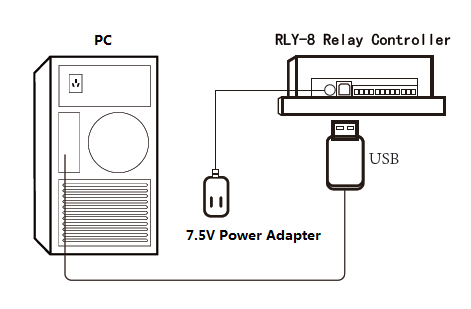
Device Instructions
- Install the USB virtual serial driver.
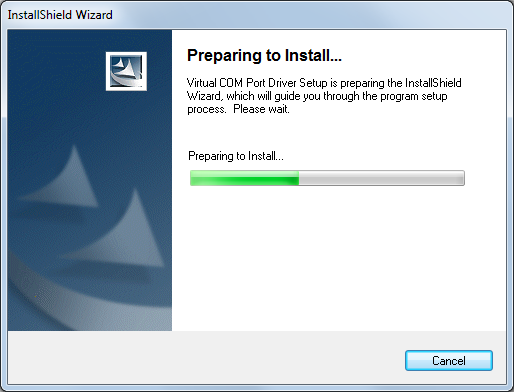
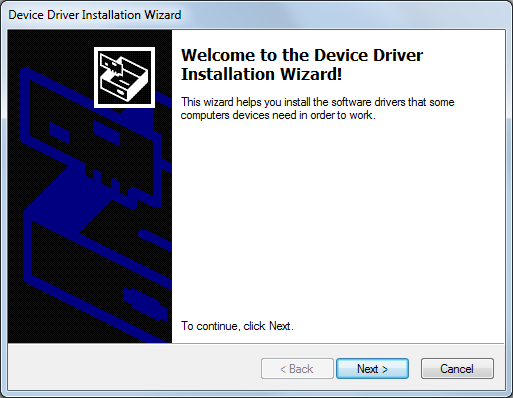
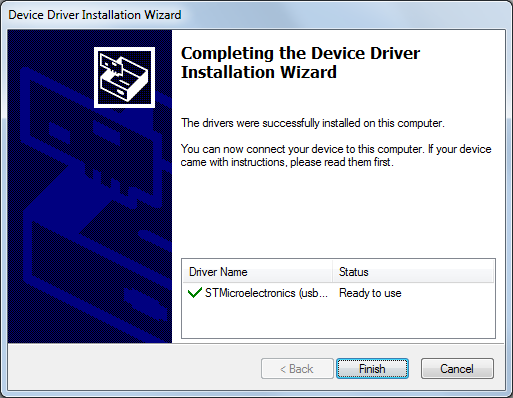
- Open “Enternet_Com_Relay.exe” PC software, and select the right Serial port ID and Baud rate (Default:1200).
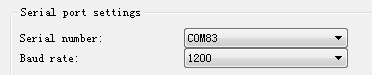
- Open the serial port and input relay address (Default: 0x11). Click “Read the relay status”.

- Click “Open” and “Close” to control relay.

Change Device Address
- Input old address (Default: 0x11) or broadcast address(0xAB).

- Input new address(0x11~0x7F) in the blank, and click “Set address”.

Change Device Baud rate
Select right baud rate and click “Set baud rate”(Default:1200).

Factory Reset
There is a reset button on the device, please hold it for 2 seconds, until the Led begin flashing, it will back to the default setting. And you could connect it with the default baud rate and address.
Documents
Was this article helpful?