
Example Code for Raspberry Pi-Drive LED
Last revision 2026/01/24
This article provides a comprehensive guide on controlling an LED using a Raspberry Pi and the WiringPi library, including installation steps, a wiring diagram, and sample code for LED blinking.
Software Preparation
Install WiringPi Library
> sudo apt-get update
> sudo apt-get install git-core
> sudo git clone git://git.drogon.net/wiringPi
> cd wiringPi
> ./build
for test
> gpio -v
> gpio readall
Wiring Diagram
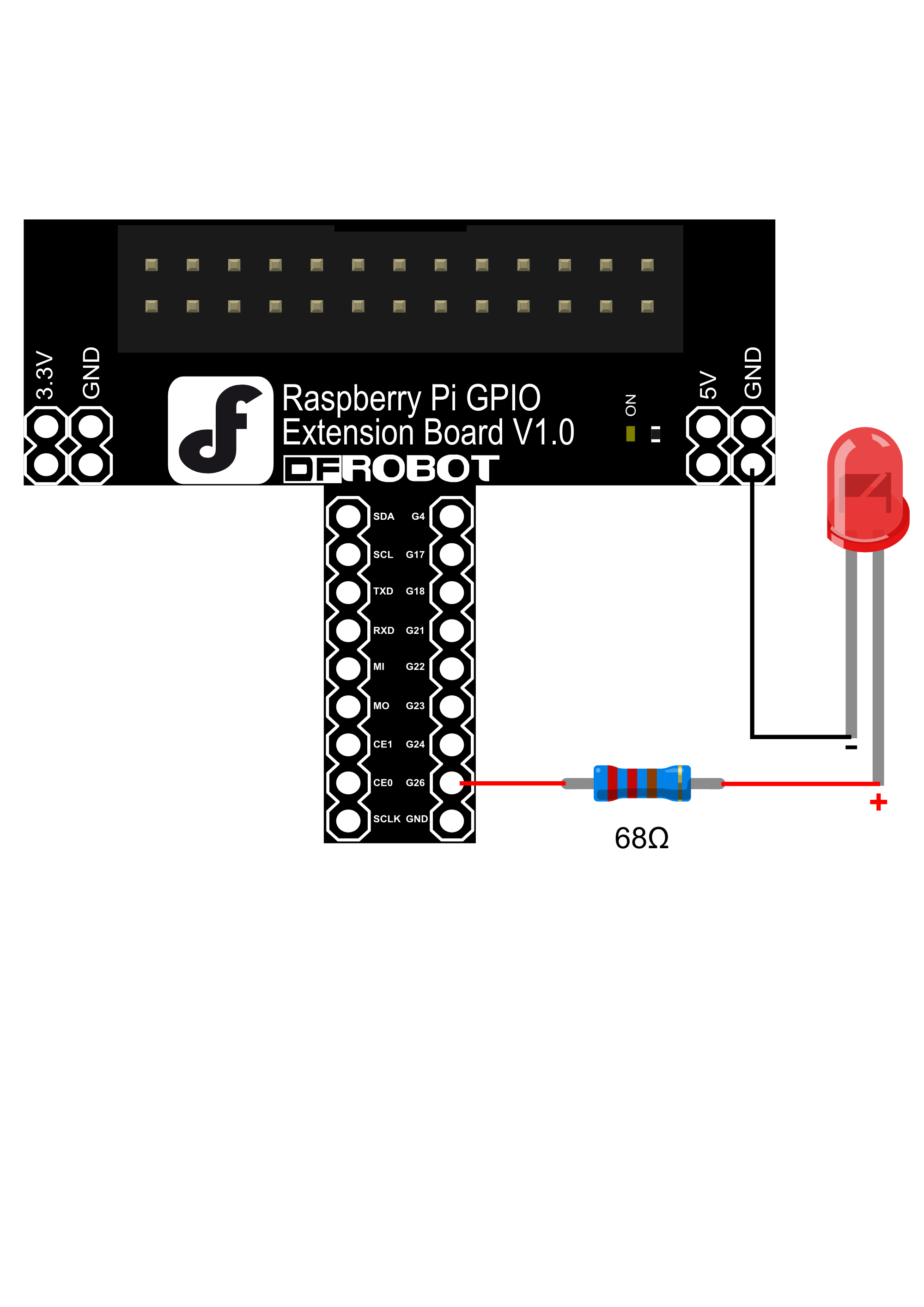
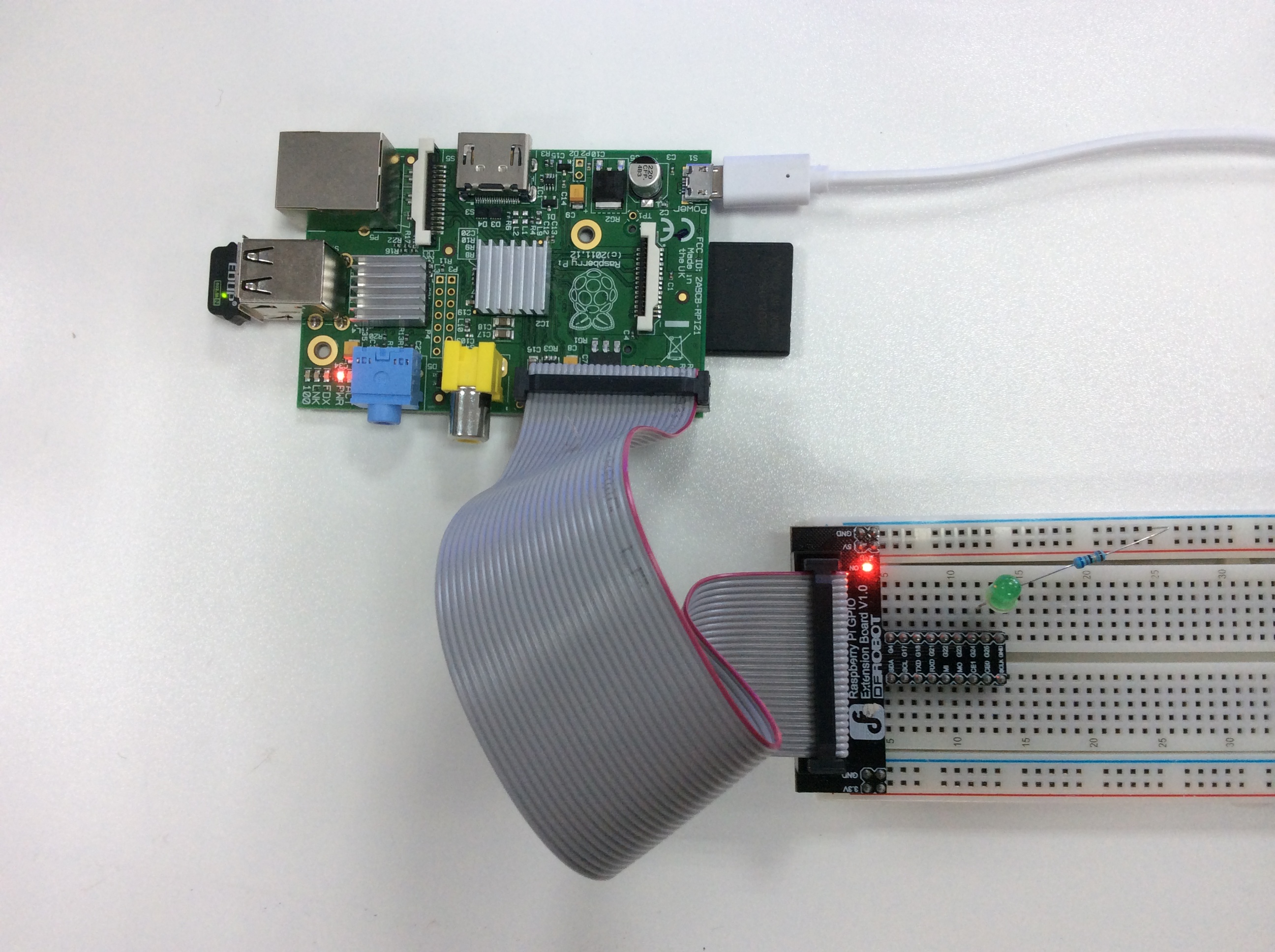
Sample Code
#this is linux shell script
#blink.sh using wiringPi library

PIN=6
gpio mode $PIN out
while true;
do
gpio write $PIN 1
sleep 1
gpio write $PIN 0
sleep 1
done
Result
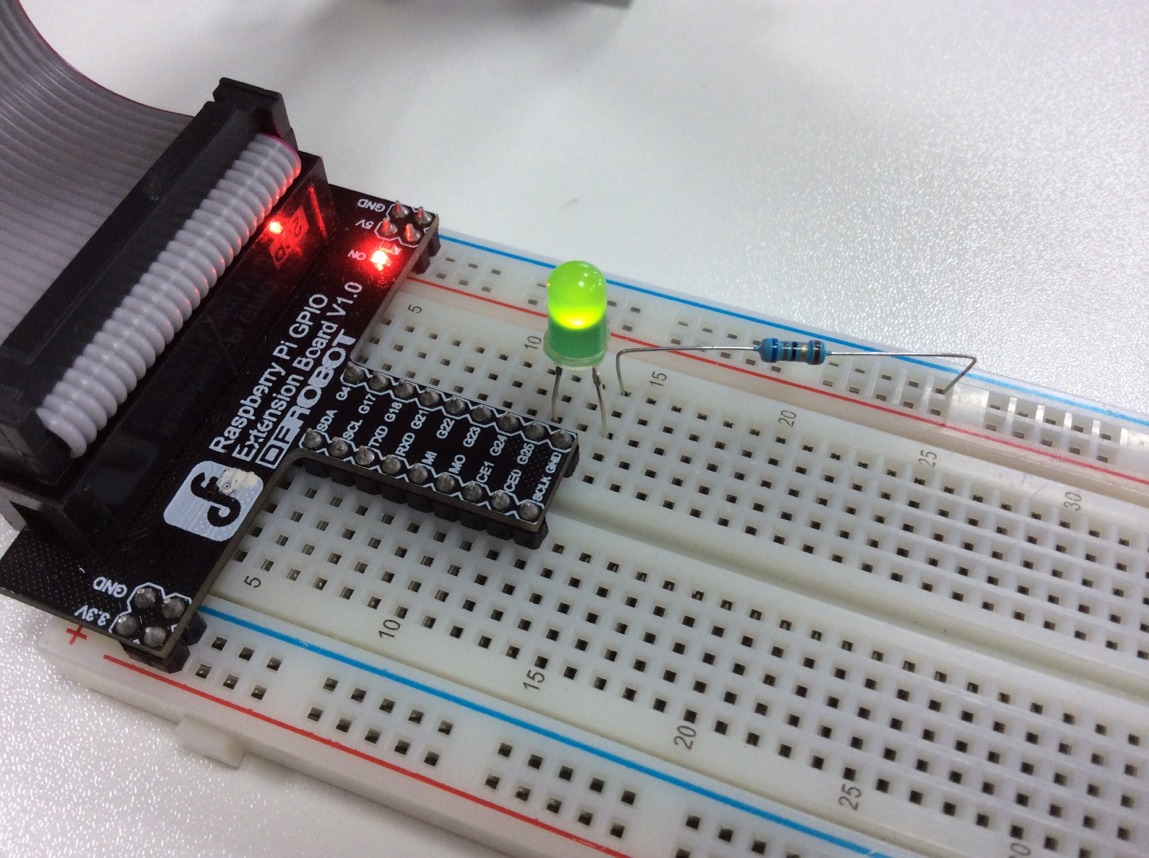
Was this article helpful?