
Example Code for Arduino-Blink
Last revision 2025/12/15
This project demonstrates setting up the IO expansion board for Edison and uploading the "Blink" sample code to make an LED flash once per second. Users will learn to construct the hardware/software environment, install drivers, and upload code to the board.
Hardware Preparation
Part List:
- IO expansion board x1
- Edison module x1
- micro USB x1
- Computer x1
Software Preparation
Operating System
Windows 8.1
Compile Environment
A.Edison Arduion IDE
Download Edison Arduion IDE(winwos version)
Extract to your local folder.
B.Install Driver
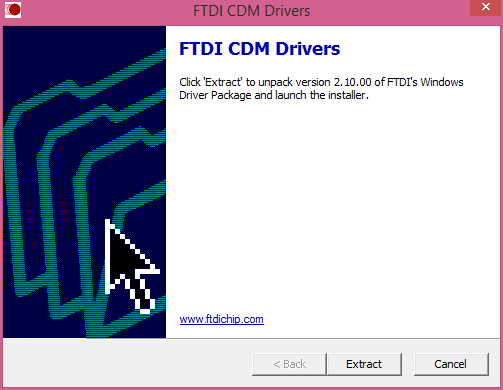
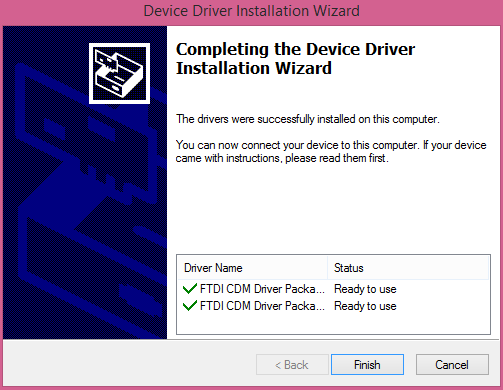
Download FTDI drivers
Install CDM v2.10.00 WHQL Certified.exe
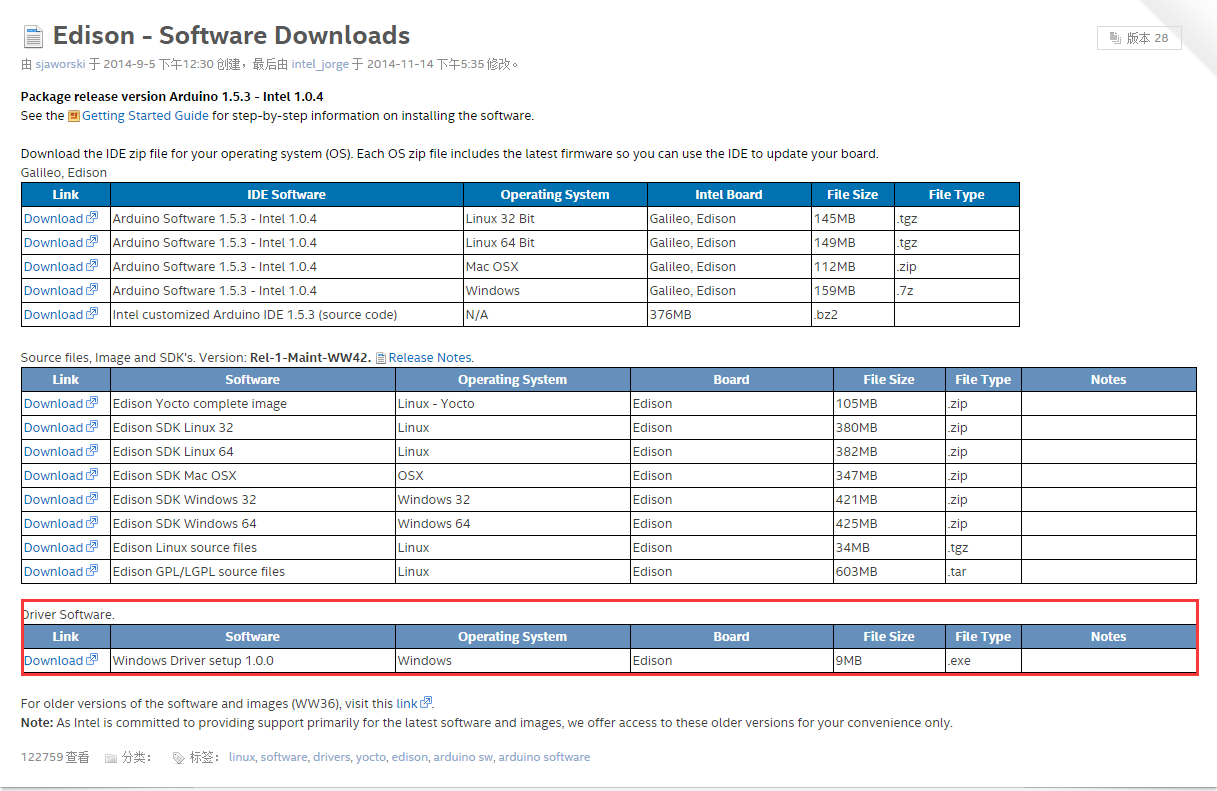
Download Intel Edison Drivers
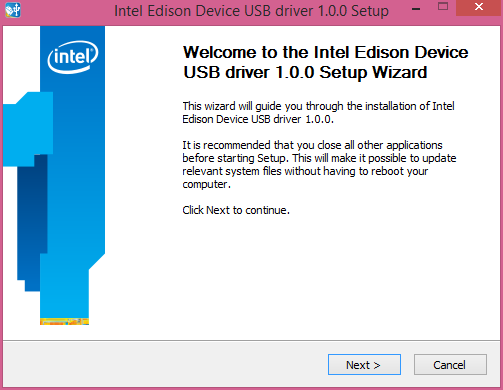
Install Edison Driver
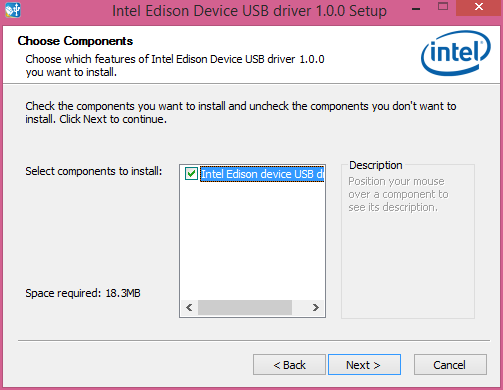
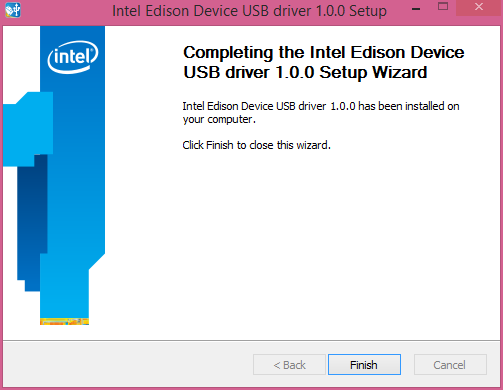
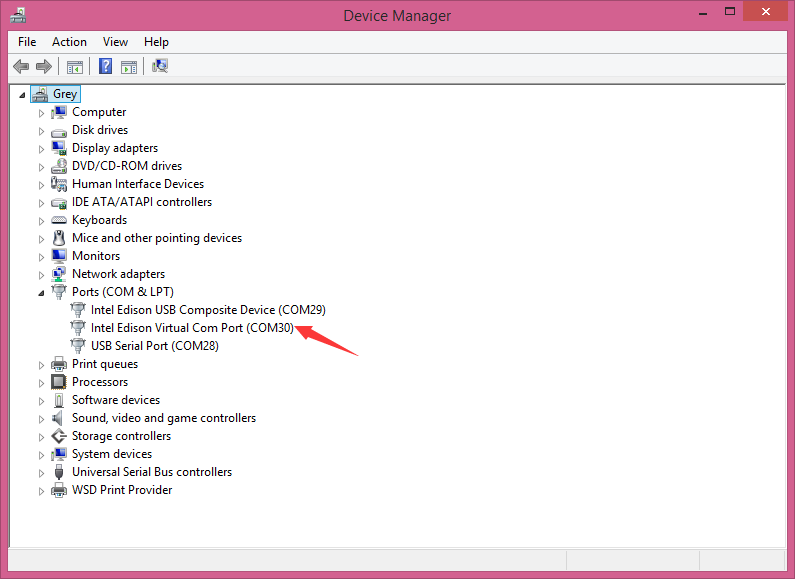
Open the Device Manager, and check Device Driver
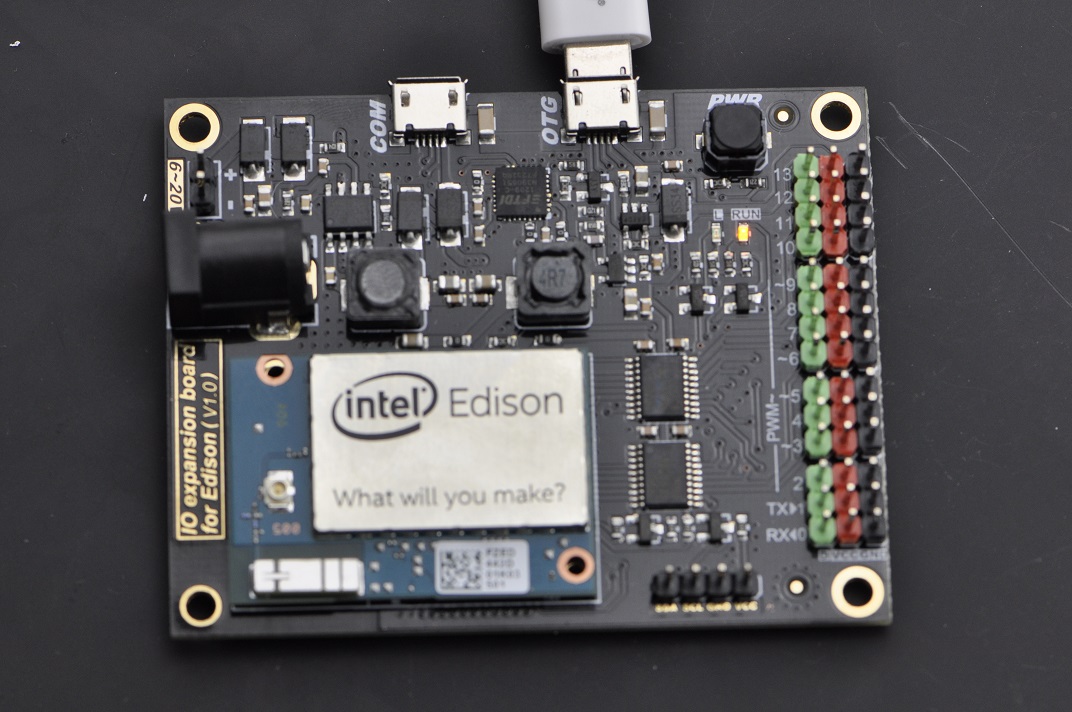
Wiring Diagram
Other Preparation Work
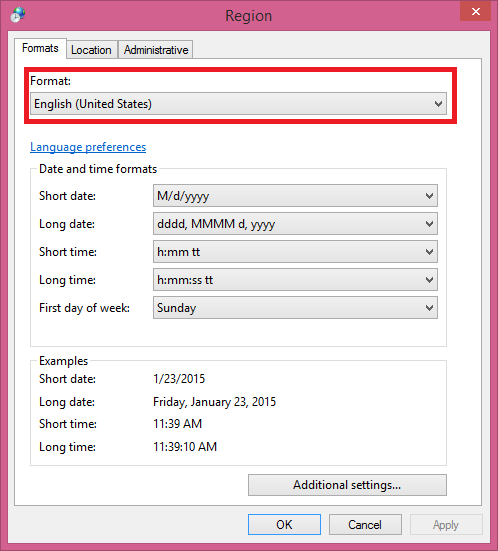
NOTE: There is a bug with Edison Arduion IDE, you have to change your PC location to U.S to avoid IDE FC.
Control Panel-->Change data, time or number formats-->Format-->English(United States)
Open Edison Arduion IDE
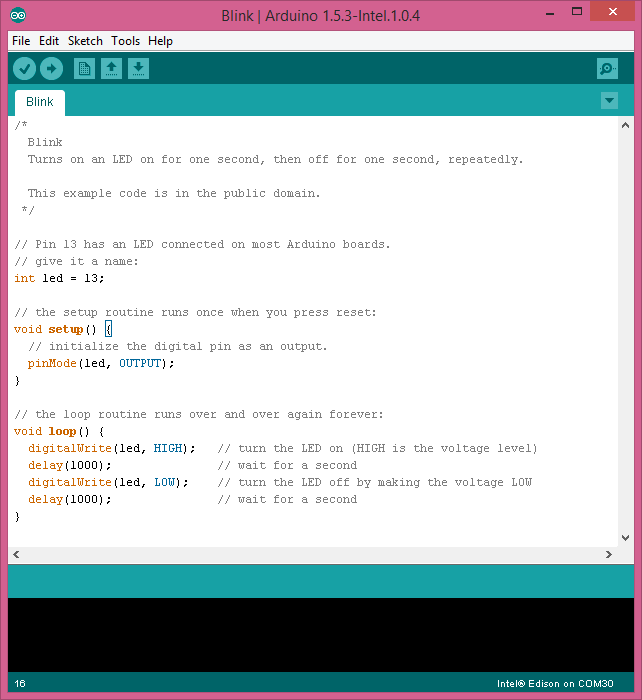
Open Edison Arduino IDE and open a sample code "Blink"
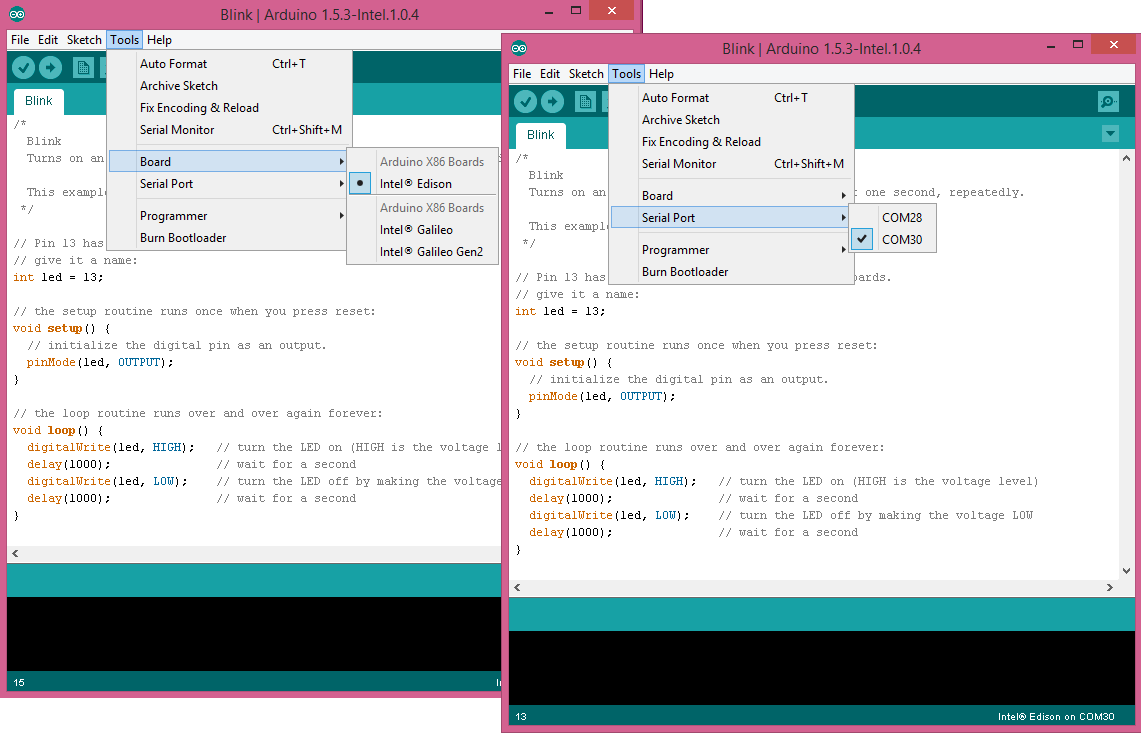
Select Tools-->Board-->Intel Edison
Select Tools-->Serial Port-->COM xx
Sample Code
Result
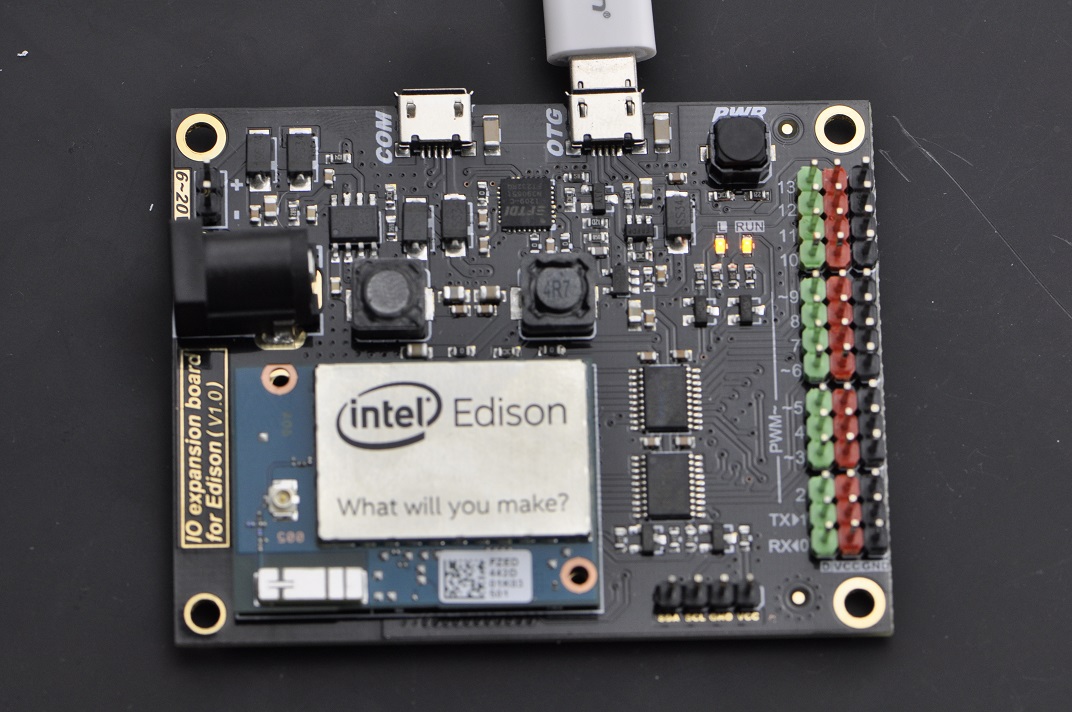
When the uploading has been finished, the LED will be flashing once a second.
Was this article helpful?