
Example Code for Arduino-Liquid Level Detection
Arduino liquid level detection tutorial featuring DFRduino UNO R3 & Gravity IO Expansion Shield. Includes wiring & sample code. Ideal for educational projects & DIY creations. Follow step-by-step for precise sensor readings.
Hardware Preparation
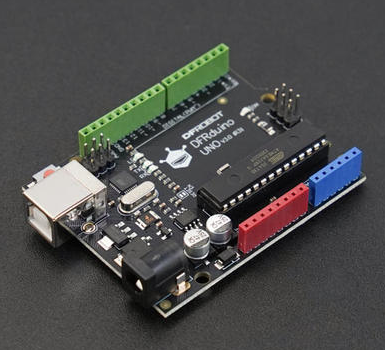
- DFRduino UNO R3 x 1
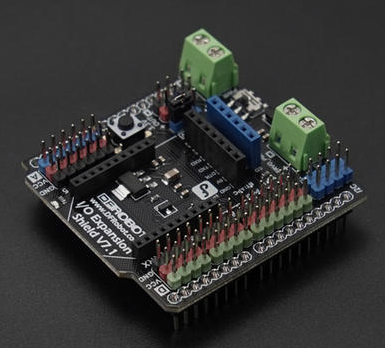
- Gravity: IO Expansion Shield for Arduino V7.1 x1
- Miniature Non-contact Liquid Level Sensor x1
Software Preparation
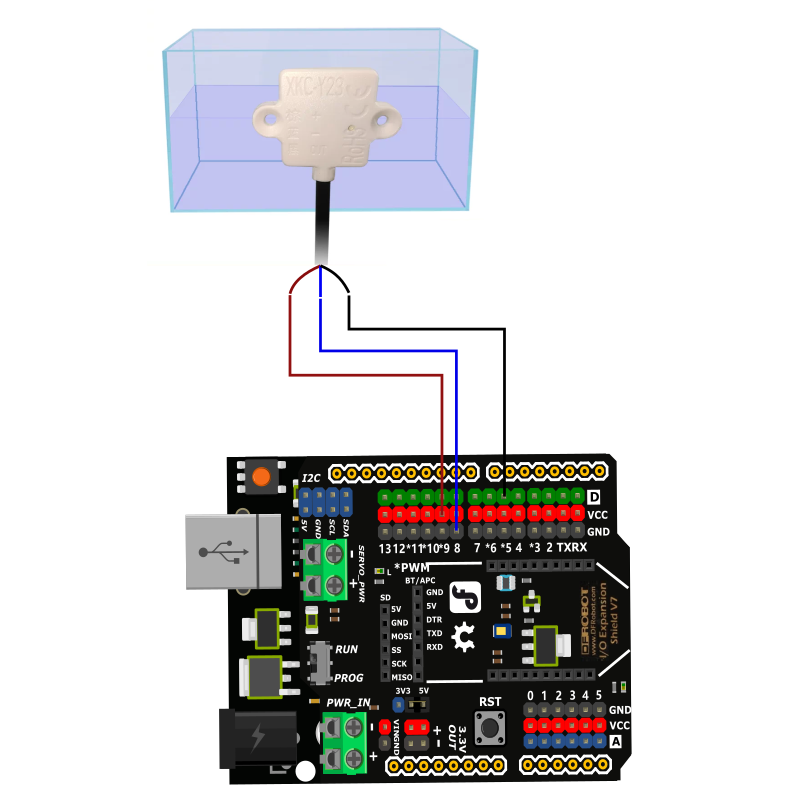
Wiring Diagram
Sample Code
int liquidLevel = 0;

void setup()
{
  Serial.begin(9600);
  pinMode(5, INPUT);
}

void loop()
{
  liquidLevel = digitalRead(5);
  Serial.print("liquidLevel= ");
  Serial.println(liquidLevel, DEC);
  delay(500);
}
Result
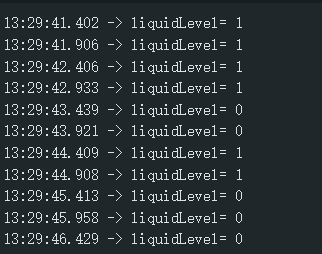
When a liquid level is detected, liquidLevel = 1; when no liquid level is detected, liquidLevel = 0.
Was this article helpful?