
Example Code for Arduino-Liquid Level Detection
Learn to detect liquid levels using Arduino with sample code. Hardware includes DFRduino UNO R3 and Gravity IO Expansion Shield. Follow the wiring diagram and use Arduino IDE for coding. Detect liquid presence efficiently.
Hardware Preparation
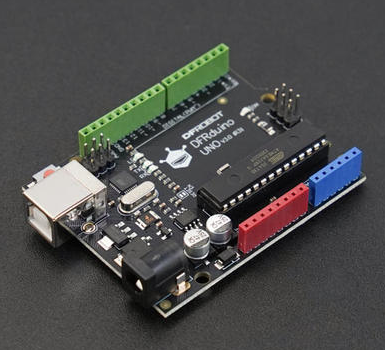
- DFRduino UNO R3 x 1
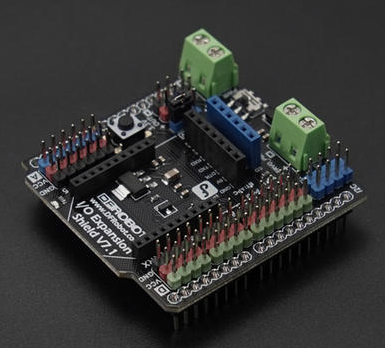
- Gravity: IO Expansion Shield for Arduino V7.1 x1
- Intelligent Non-contact Liquid Level Sensor x1
Software Preparation
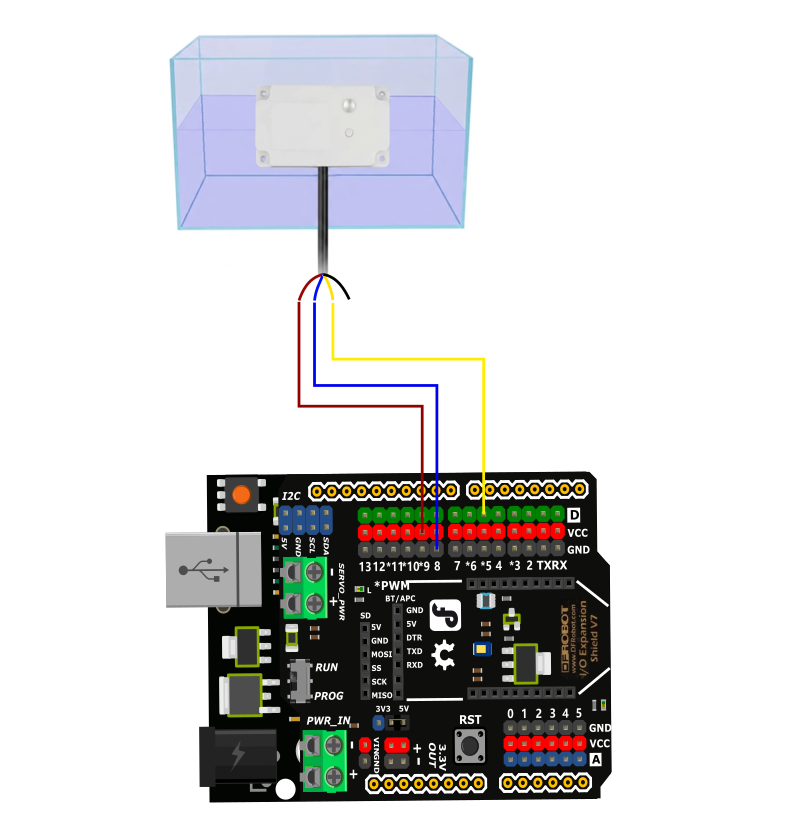
Wiring Diagram
Sample Code
int liquidLevel = 0;

void setup()
{
  Serial.begin(9600);
  pinMode(5, INPUT);
}

void loop()
{
  liquidLevel = digitalRead(5);
  Serial.print("liquidLevel= ");
  Serial.println(liquidLevel, DEC);
  delay(500);
}
Result
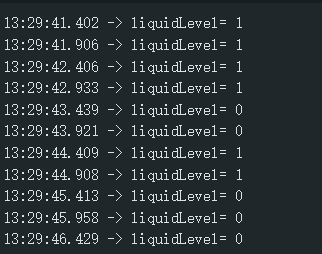
The indicator light illuminates when liquid level is detected (liquidLevel = 1), and turns off when no liquid level is detected (liquidLevel = 0).
Was this article helpful?