
Getting Started
Hardware Preparation
- Xbee USB adapter x1
- Bluetooth Bee x1
- Mini USB cable x1
Software Preparation
- Install the Arduino IDE.
Connection
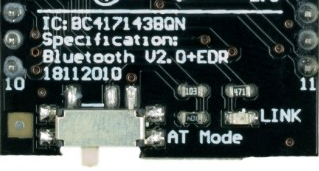
- Put the switch on BT to "AT", right side in the picture;
- Stack BT module and Xbee adapter together;
- Connect the Xbee adapter with PC by USB cable, the LED is ON.
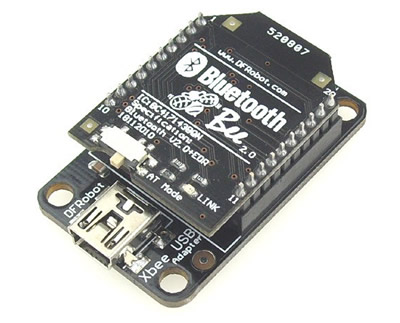
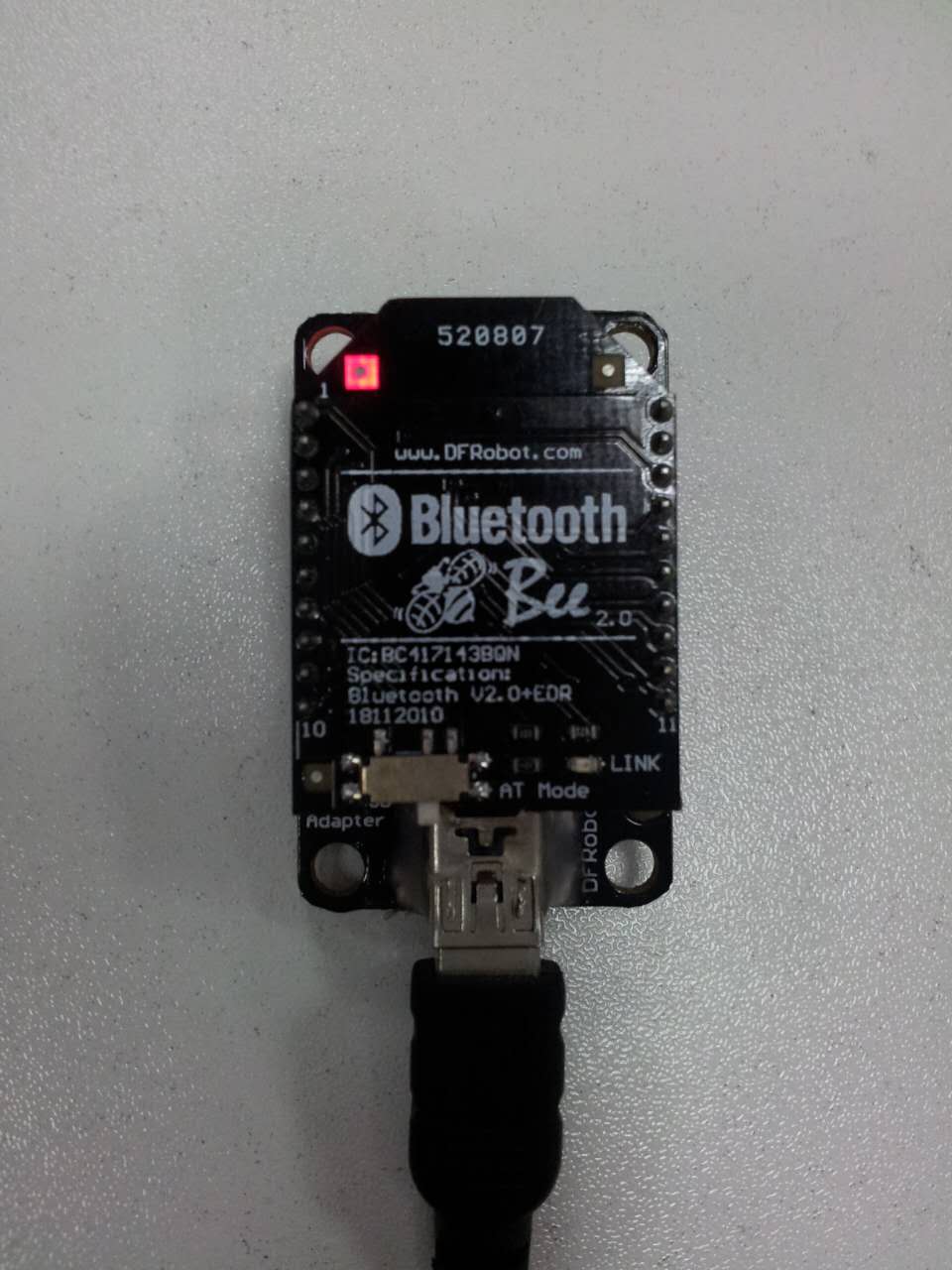
Enter AT mode
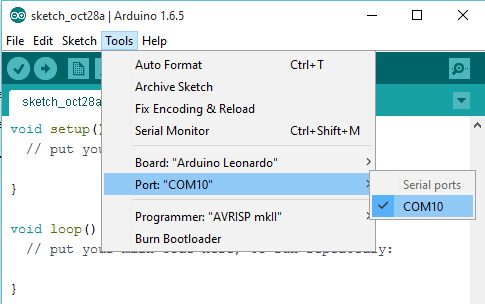
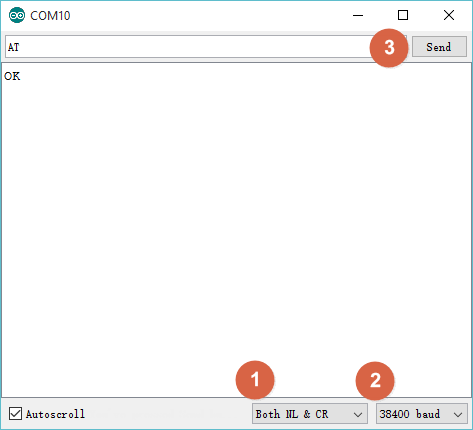
- Launch the Arduino > Choose the port(COM) > Open Serial Monitor; (If the COM port didn't show up correctly, please install the driver for Xbee USB adapter.)
- Choose "Both NL & CR ", "38400" > Send "at"/"AT" > Receive OK"";
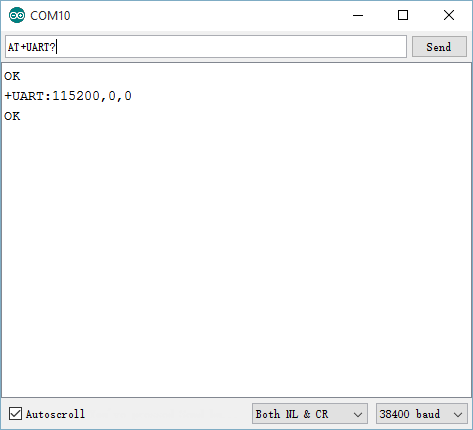
- Send "AT+UART?" > Receive serial settings.
- Close Serial Monitor > Disconnect USB cable and the BT module with the adapter;
- Remember to put the switch to left side: AT_off.
Was this article helpful?