
Example Code for Arduino-Button and Analog Reading with Vibration Control
Last revision 2025/12/03
The sketch for using the gamepad and print the button state and the analog values of the gamepad to computer screen using serial monitor
Wiring Diagram
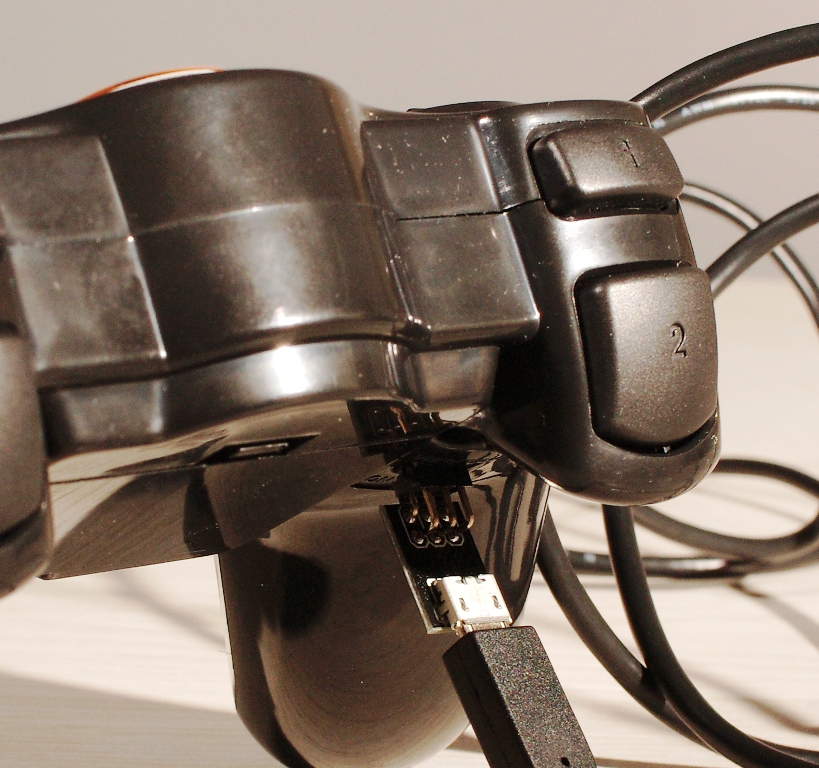
Please revise the Serial.****() to Serial1.****() when you use BLE link or Xbee module to communicate with other module wirelessly.
Sample Code
/*
// #
// # Editor     : Tong Hui from DFRobot, based on Lauren from DFRobot v1.0 code
// # Date       : 12.24.2012

// # Product name: Wireless Joystick v2.2 for Arduino
// # Product SKU : DFR0182
// # Code Version: 2.0

// # Description:
// # The sketch for using the gamepad and print the button state and the analog values of the gamepad
// # to computer screen using serial monitor

*/

int buttonState[17];
int joystick[4];
int AnalogButton[2];

int inputCommand = 0;

#define shackMotorPin 2

void setup()
{
  Serial.begin(57600);  //Init the Serial baudrate
  InitIO();             // Initialize the inputs/outputs and the buffers
}

void InitIO(){
  for(int i = 0; i < 17; i  )
  pinMode(i, INPUT);
  pinMode(shackMotorPin,OUTPUT);
  digitalWrite(shackMotorPin,LOW);  // Stop shacking of the gamepad
}

unsigned long timer = 0;

void loop()
{
  if(millis() - timer > 500){  // manage the updating freq of all the controlling information
    DataUpdate();  //read the buttons and the joysticks data
    printData();   //print the datas and states
    timer = millis();
  }

  if(Serial.available()){
    char input = Serial.read();

    switch(input){
      case 's':
        Serial.println("Shack");
        inputCommand = input;
        digitalWrite(shackMotorPin,HIGH);
        break;

      case 'x':
        Serial.println("Stop");
        inputCommand = input;
        digitalWrite(shackMotorPin,LOW);
        break;

      default:
        break;
    }
  }
}

void DataUpdate(){

  for(int i = 3; i < 17; i  )  buttonState[i] = digitalRead(i);
  buttonState[0] = analogRead(0);
  buttonState[1] = analogRead(1);
  for(int i = 0; i < 4; i  )  joystick[i] = analogRead(i);
  for(int i = 4; i < 6; i  )  AnalogButton[i-4] = analogRead(i);

}

String Buttons[17] = {
  "J2","J1","","S2","S1","UP","LEFT","DOWN","RIGHT","1","4","2","3","RZ1","RZ2","LZ1","LZ2"};
  // Buttons Nmes

void printData(){
//  for(int i = 0; i < 17; i  )  Serial.print(buttonState[i]),Serial.print(" ");
//  for(int i = 0; i < 4; i  )  Serial.print(joystick[i]),Serial.print(" ");
//  for(int i = 0; i < 2; i  )  Serial.print(AnalogButton[i]),Serial.print(" ");
//  Serial.println("");
  Serial.print("Button Pressed:");
  for(int i = 0; i < 2; i  )  if(buttonState[i] < 100)  Serial.print(Buttons[i]),Serial.print(",");
  for(int i = 3; i < 17; i  )  if(buttonState[i] == 0)  Serial.print(Buttons[i]),Serial.print(",");
  Serial.println("");
  Serial.print("Analog Sticks:");
  for(int i = 0; i < 4; i  )  Serial.print(joystick[i]),Serial.print(",");
  for(int i = 0; i < 2; i  )  Serial.print(AnalogButton[i]),Serial.print(",");
  Serial.println("");
  Serial.println(inputCommand);
}
Other Supplementary Information
Was this article helpful?