
Example Code for Raspberry Pi-Relay Control
This chapter will control the relay module with Python via the GPIO pins of the Raspberry Pi with the help of the Meet Arduino Shield.
Hardware Preparation
- Raspberry Pi B with Ethernet or WIFI connected
- Raspberry Pi B Meet Arduino shield
- Relay module (or and LED module)
Software Preparation
- Python 2 Installed.
- Setup SSH on Raspberry Pi.
If you didn't install python. Please enter the following commands below into LX Terminal via SSH.
root@raspberrypi:/home/pi# sudo apt-get update
root@raspberrypi:/home/pi# sudo apt-get install python-rpi.gpio
Wiring Diagram

Other Preparation Work
1. Plug the Pi Meet Arduino shield to the Raspberry Pi B , Which connected with the power and Ethernet.
2. Connect the Relay module(or LED module) to your Pi as the hardware connection shown.
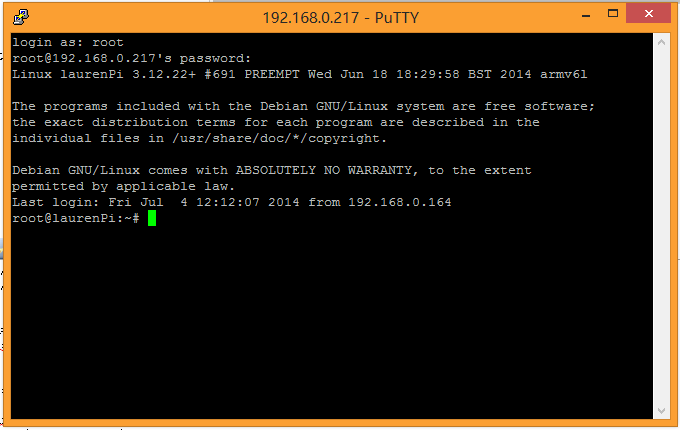
3. Login in your Pi by Putty.
Sample Code
Create a Python example code using nano.
root@raspberrypi:/home/pi# nano blink.py
import RPi.GPIO as GPIO
import time

GPIO.setmode(GPIO.BCM)
GPIO.setup(4,GPIO.OUT)

while True:
    GPIO.output(4,GPIO.HIGH)
    time.sleep(1)
    GPIO.output(4,GPIO.LOW)
    time.sleep(1)
Run the python sample by the command below.
root@raspberrypi:/home/pi# python blink.py
Result
Check the effect. PS: The module is connected to the GPIO 4 matching the software configuration.
Additional Information
Was this article helpful?