
Example Code for micro:bit-IR Remote Control
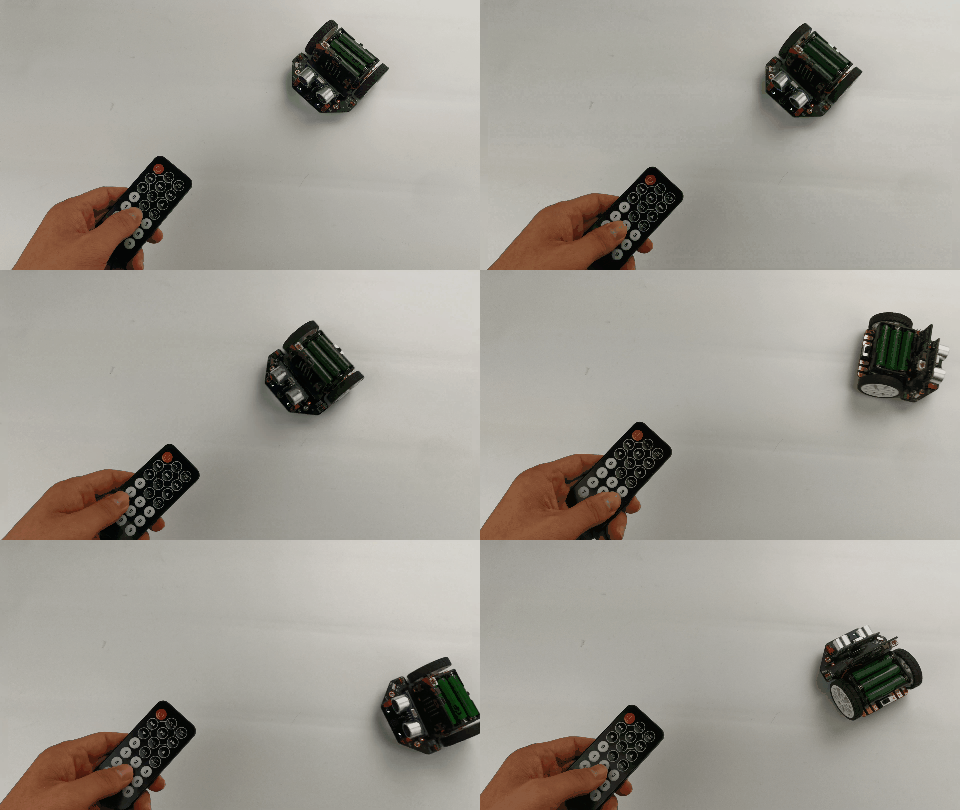
- Learning Target: Learn to use the IR remote control to command the car. - Effect: Use the key 2, 8, 4, 6, and 5 on the IR remote controller to operate Maqueen.
Hardware Preparation
- Maqueen Lite-micro:bit Educational Programming Robot Platform x 1 (ROB0148)
- micro:bit board x 1
- IR Remote Controller x 1
Software Preparation
- Makecode graphical online programming platform: makecode.microbit.org
- Maqueen library: Search for "dfrobot" in makecode extension and select "maqueen".
Wiring Diagram
No additional wiring required. The infrared receiver is integrated with Maqueen.
Other Preparation Work
Ensure the IR remote controller is paired with Maqueen.
Sample Code
Screenshot of Makecode Graphical Program:

Makecode Program Link: https://makecode.microbit.org/_bfuHRf53RdXM
Result
Additional Information

Was this article helpful?