
Example Code for micro:bit-Motor Control
Last revision 2026/01/14
This article offers a comprehensive guide on using micro:bit for motor control, detailing hardware and software setup, providing sample code, and showcasing results for educational purposes.
Hardware Preparation
- Maqueen Lite-micro:bit Educational Programming Robot Platform x 1 (ROB0148)
- micro:bit board x 1
Software Preparation
- Click the link: makecode.microbit.org, enter the makecode graphical online programming platform. (Note: Loading will be slow in the first time, please wait patiently)
- Search the makecode extension for "dfrobot" and select "maqueen".
- Paste web address in makecode extension: https://github.com/DFRobot/pxt-maqueen
- Import the library by following the steps.
Other Preparation Work
Ensure Maqueen is powered by three AAA batteries or a 3.6V~3.7V lithium battery.
Sample Code
Screenshot of Makecode Graphical Program:

Makecode Program Link: https://makecode.microbit.org/_JrXaxVauDKww
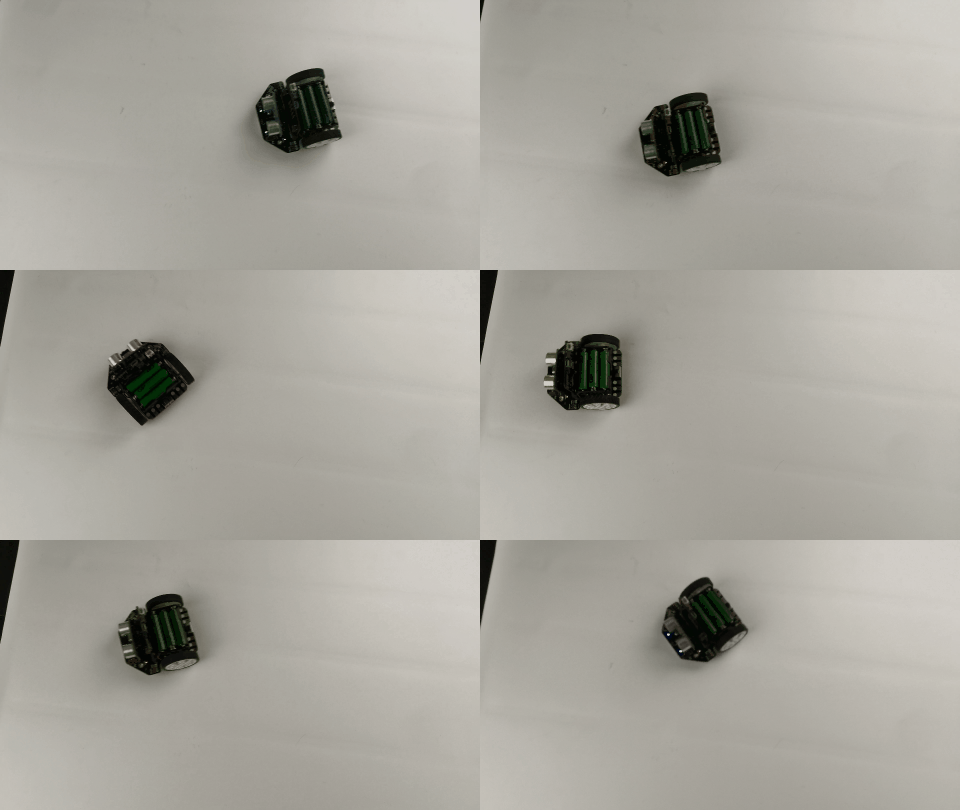
Result
Additional Information

Was this article helpful?