
Connect to Wi-Fi
Last revision 2026/08/03
After the module has been successfully installed, please enter System Settings-WiFi

Turn on the WiFi switch. After a few seconds, a list of nearby scannable WiFi networks will appear, click Refresh to update the list.
When WiFi is turned off while active, it will take 30 seconds to turn back on. You cannot turn WiFi back on again within that 30-second period.

Tap to select the WiFi network you want to connect to, then enter the password. Once done, tap the checkmark in the bottom-right corner.
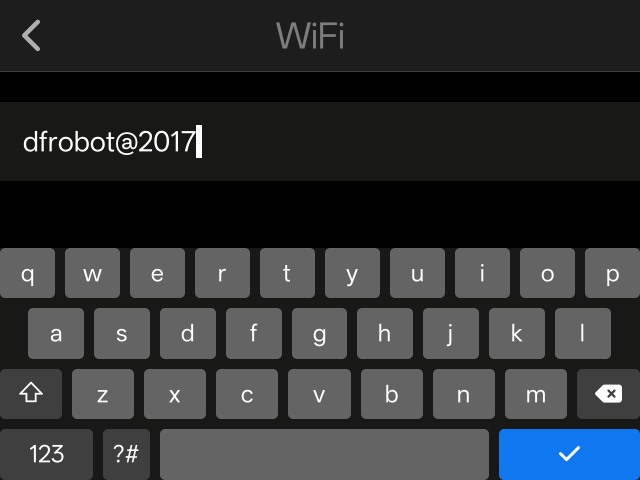
Waiting for WiFi connection. If the WiFi connection unsuccessful after 30 seconds, a pop-up alert will appear. You may choose to retry or cancel. Clicking Cancel allows you to reselect the network and re-enter the password.
Please carefully verify the password is correct and check if your network settings permit connections from unknown devices. If you confirm the password is correct and network settings are normal, move closer to the hotspot or router and try again.

The WiFi system automatically saves passwords for previously connected networks. When selecting a saved WiFi network to connect, you can connect directly without entering the password. Saved WiFi networks can be deleted.
Was this article helpful?