
Example Code for micro:bit-MakeCode-Send data to email (IFFTT)
This article offers a comprehensive tutorial on how to send data from a micro:bit to an email using the IFTTT platform, covering necessary hardware, software preparation, wiring setup, and providing sample programming code to facilitate the process.
Hardware Preparation
- micro:bit board: Quantity 1
- Micro: IoT expansion board: Quantity 1
- IFFTT platform access: Quantity 1
Software Preparation
- Makecode online graphical programming platform: https://makecode.microbit.org/
- Micro:IoT library: https://github.com/DFRobot/pxt-microIoT
- How to install an library?
- IFFTT account: https://ifttt.com
Wiring Diagram
Plug the micro:bit board into the Micro: IoT expansion board.
Other Preparation Work
- Enter IFFTT website, register an account: https://ifttt.com
- Sign in and enter the My Applets page, click New Applets.
- Create an Applet: click This, input webhooks, fill the Event Name as "aaa".
- Click That, select Email, select "Send me an Email", edit the content (default), click "creation action".
- Check the password: click HOME to enter "webhooks" and click "Documentation".
Sample Code
Makecode Programs: Send data to Email

Result
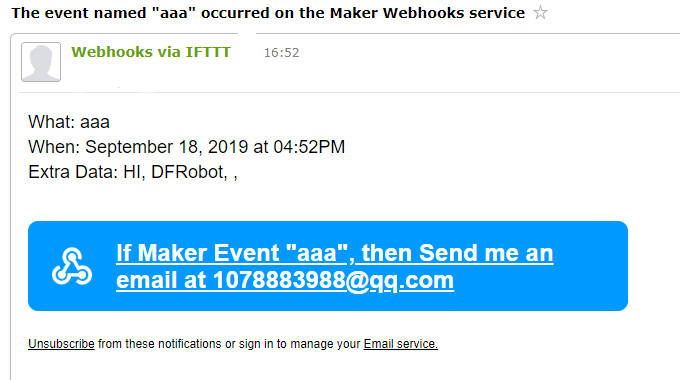
press down button A, the message "HI DFROBOT" will be sent to the pre-set Email.
Was this article helpful?