
Example Code for Arduino-Distance and Speed Acquisition via IIC
This article provides a comprehensive guide to using Arduino for distance and speed acquisition through IIC communication, featuring hardware and software setups, wiring diagrams, and sample code for radar measurement using the C4001 millimeter wave presence sensor.
Hardware Preparation
Software Preparation
- Arduino IDE,Click to download Arduino IDE
- DFRobot_C4001 library,Click to download the DFRobot_C4001 library.
Wiring Diagram

Other Preparation Work
Please switch the DIP switch on the back of the sensor to the IIC direction, and copy the following code to your Arduino IDE and upload it.
Sample Code
/*!
  * @file  mRangeVelocity.ino
  * @brief  radar measurement demo
  * @copyright Copyright (c) 2010 DFRobot Co.Ltd (http://www.dfrobot.com)
  * @license The MIT License (MIT)
  * @author ZhixinLiu(zhixin.liu@dfrobot.com)
  * @version V1.0
  * @date 2024-02-02
  * @url https://github.com/dfrobot/DFRobot_C4001
  */

#include "DFRobot_C4001.h"

#define I2C_COMMUNICATION  //use I2C for communication, but use the serial port for communication if the line of codes were masked

#ifdef I2C_COMMUNICATION
/*
   * DEVICE_ADDR_0 = 0x2A     default iic_address
   * DEVICE_ADDR_1 = 0x2B
   */
DFRobot_C4001_I2C radar(&Wire, DEVICE_ADDR_0);
#else
/* ---------------------------------------------------------------------------------------------------------------------
 *    board   |             MCU                | Leonardo/Mega2560/M0 |    UNO    | ESP8266 | ESP32 |  microbit  |   m0  |
 *     VCC    |            3.3V/5V             |        VCC           |    VCC    |   VCC   |  VCC  |     X      |  vcc  |
 *     GND    |              GND               |        GND           |    GND    |   GND   |  GND  |     X      |  gnd  |
 *     RX     |              TX                |     Serial1 TX1      |     5     |   5/D6  |  D2   |     X      |  tx1  |
 *     TX     |              RX                |     Serial1 RX1      |     4     |   4/D7  |  D3   |     X      |  rx1  |
 * ----------------------------------------------------------------------------------------------------------------------*/
/* Baud rate cannot be changed */
#if defined(ARDUINO_AVR_UNO) || defined(ESP8266)
SoftwareSerial mySerial(4, 5);
DFRobot_C4001_UART radar(&mySerial, 9600);
#elif defined(ESP32)
DFRobot_C4001_UART radar(&Serial1, 9600, /*rx*/ D2, /*tx*/ D3);
#else
DFRobot_C4001_UART radar(&Serial1, 9600);
#endif
#endif

void setup() {
  Serial.begin(115200);
  while (!Serial)
    ;
  while (!radar.begin()) {
    Serial.println("NO Deivces !");
    delay(1000);
  }
  Serial.println("Device connected!");

  // speed Mode
  radar.setSensorMode(eSpeedMode);

  sSensorStatus_t data;
  data = radar.getStatus();
  //  0 stop  1 start
  Serial.print("work status  = ");
  Serial.println(data.workStatus);

  //  0 is exist   1 speed
  Serial.print("work mode  = ");
  Serial.println(data.workMode);

  //  0 no init    1 init success
  Serial.print("init status = ");
  Serial.println(data.initStatus);
  Serial.println();

  /*
   * min Detection range Minimum distance, unit cm, range 0.3~20m (30~2500), not exceeding max, otherwise the function is abnormal.
   * max Detection range Maximum distance, unit cm, range 2.4~20m (240~2500)
   * thres Target detection threshold, dimensionless unit 0.1, range 0~6553.5 (0~65535)
   */
  if (radar.setDetectThres(/*min*/ 11, /*max*/ 1200, /*thres*/ 10)) {
    Serial.println("set detect threshold successfully");
  }

  // set Fretting Detection
  radar.setFrettingDetection(eON);

  // get confige params
  Serial.print("min range = ");
  Serial.println(radar.getTMinRange());
  Serial.print("max range = ");
  Serial.println(radar.getTMaxRange());
  Serial.print("threshold range = ");
  Serial.println(radar.getThresRange());
  Serial.print("fretting detection = ");
  Serial.println(radar.getFrettingDetection());
}

void loop() {
  Serial.print("target number = ");
  Serial.println(radar.getTargetNumber());  // must exist
  Serial.print("target Speed  = ");
  Serial.print(radar.getTargetSpeed());
  Serial.println(" m/s");

  Serial.print("target range  = ");
  Serial.print(radar.getTargetRange());
  Serial.println(" m");

  Serial.print("target energy  = ");
  Serial.println(radar.getTargetEnergy());
  Serial.println();
  delay(100);
}
Result
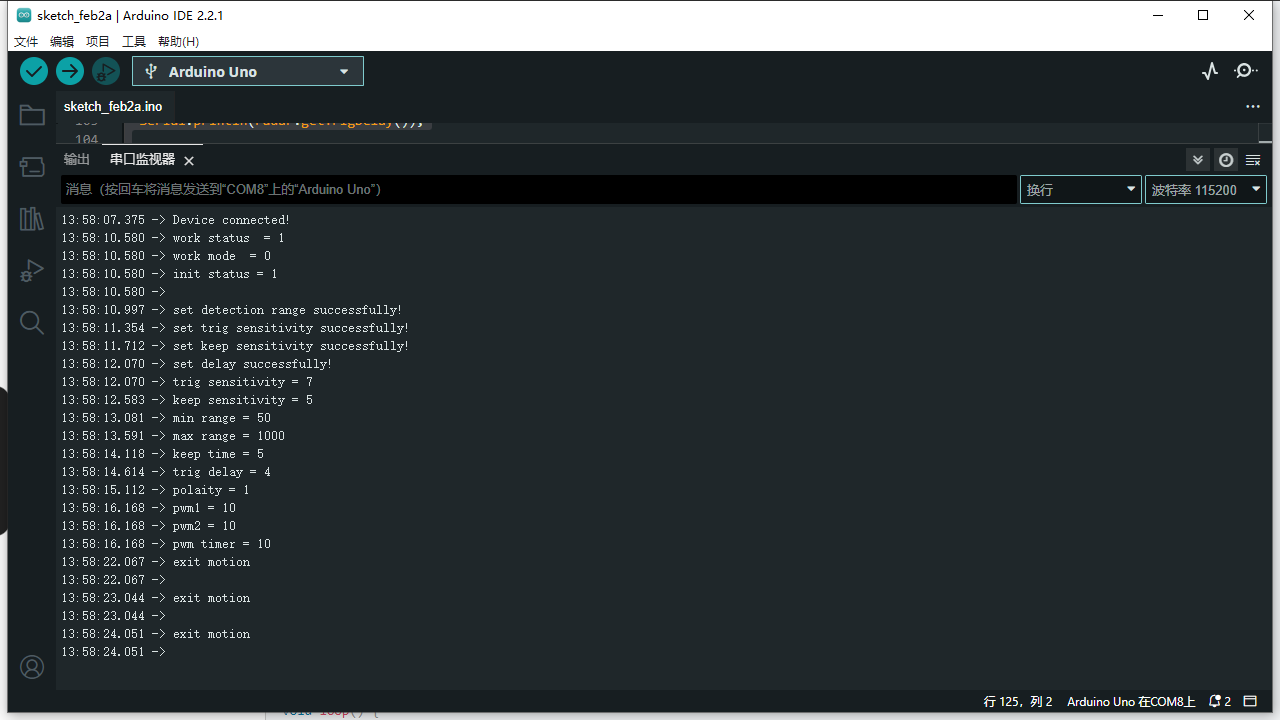
When the sensor detects someone, it outputs information such as distance and speed.
Was this article helpful?