
Example Code for micro:bit-Makecode
Use the Lark Weather Station with micro:bit via Makecode to read and display weather data.
Hardware Preparation
- micro:bit x1
- Lark Weather Station x1
Software Preparation
Wiring Diagram

Other Preparation Work
- Open the Makecode online editor.
- Create a new project.
- Load the Lark Weather Station extension library.
Sample Code
Use the graphical blocks from the Lark Weather Station library to select and display physical quantity data (e.g., wind speed, temperature). A sample block setup is shown below:

Result
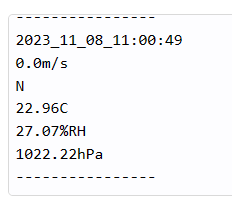
The micro:bit’s LED matrix will display the selected weather data. A sample output is shown below:
Was this article helpful?